 Panelyze
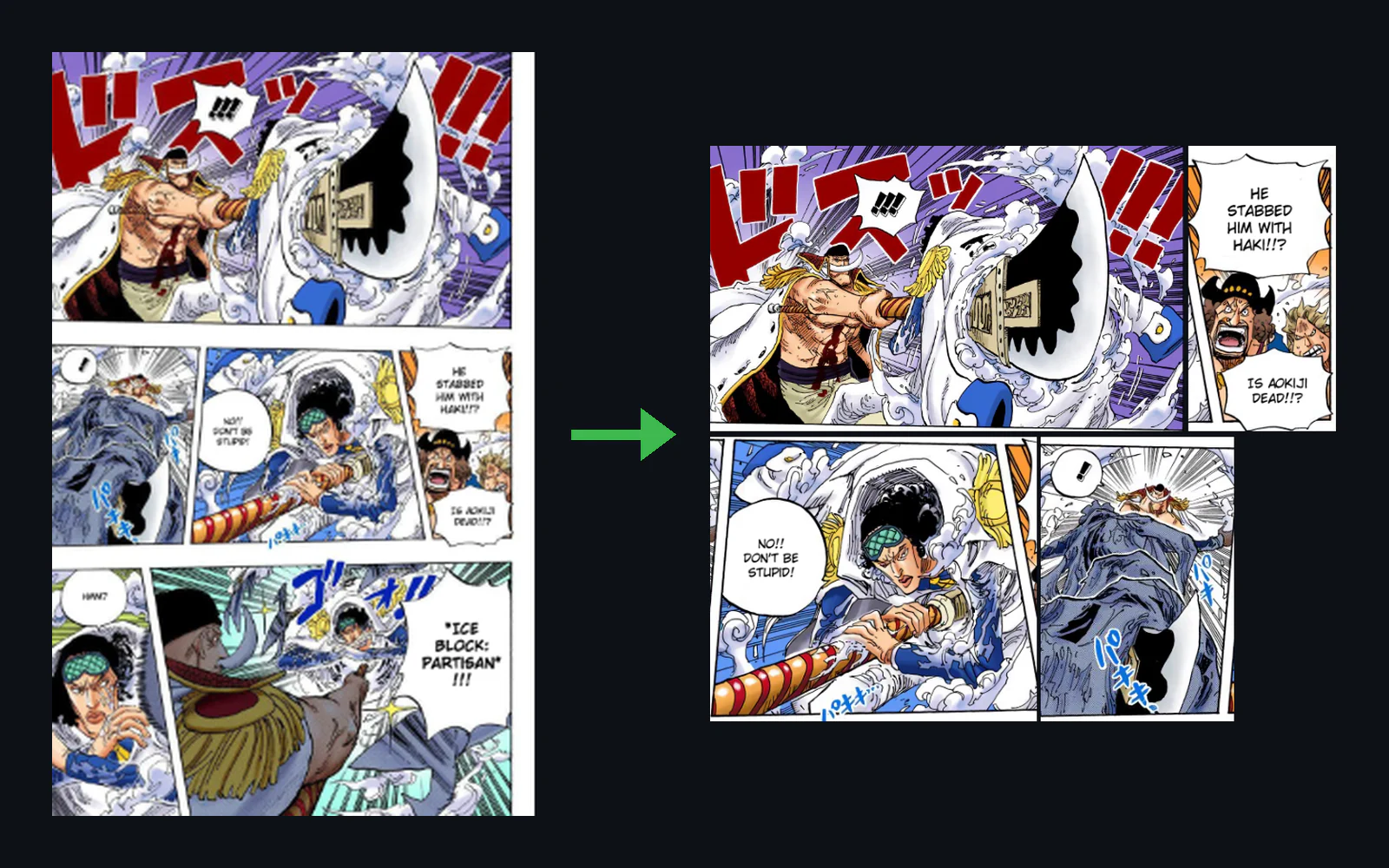
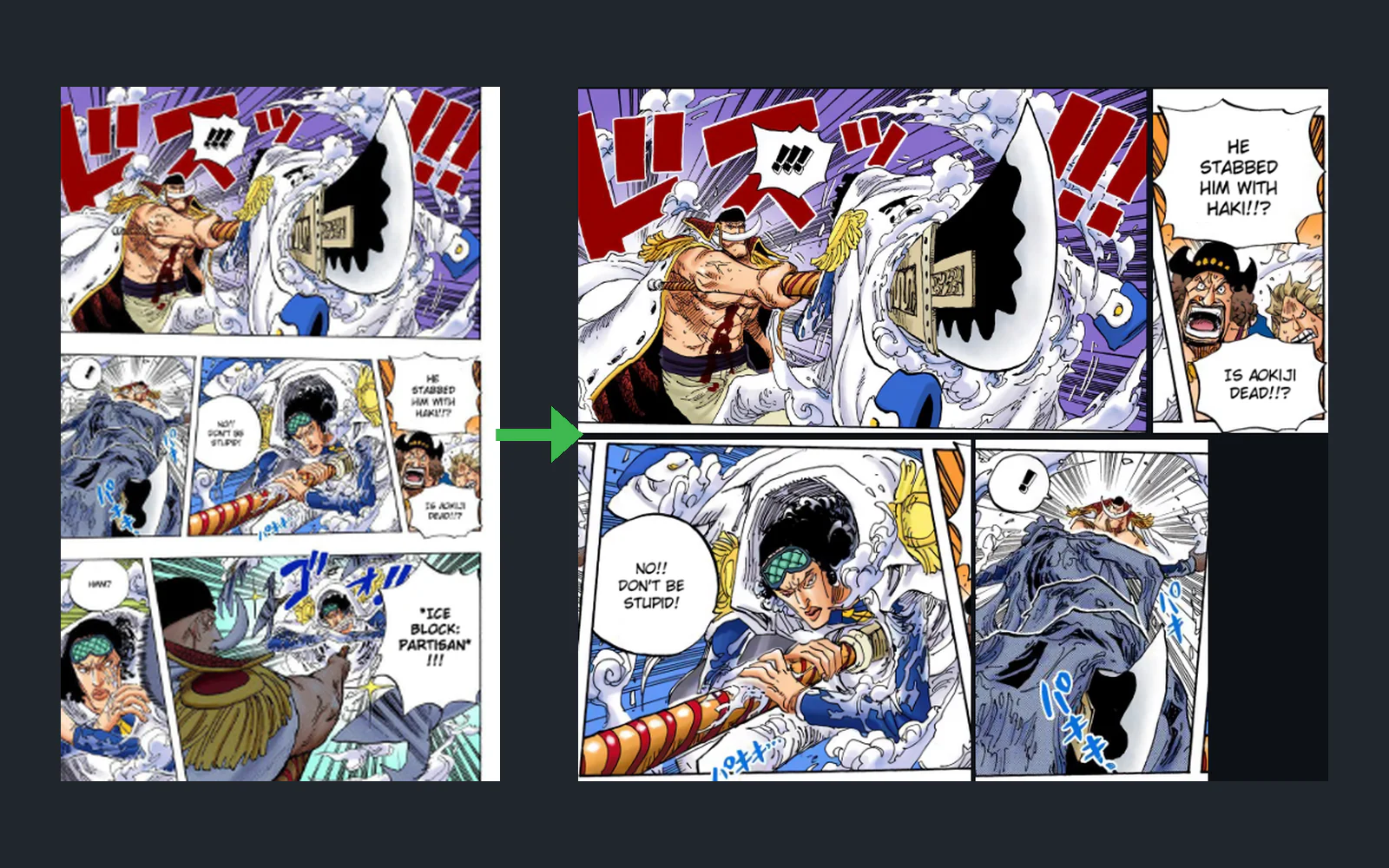
A desktop app that uses AI to split manga and comic pages into separate panels, so they're easy to read on a phone.
Desktop app (Python): no live demo yet.
Python · Flet · Pillow · Magi v2 model · MangaDex API · Google Colab
01. Overview
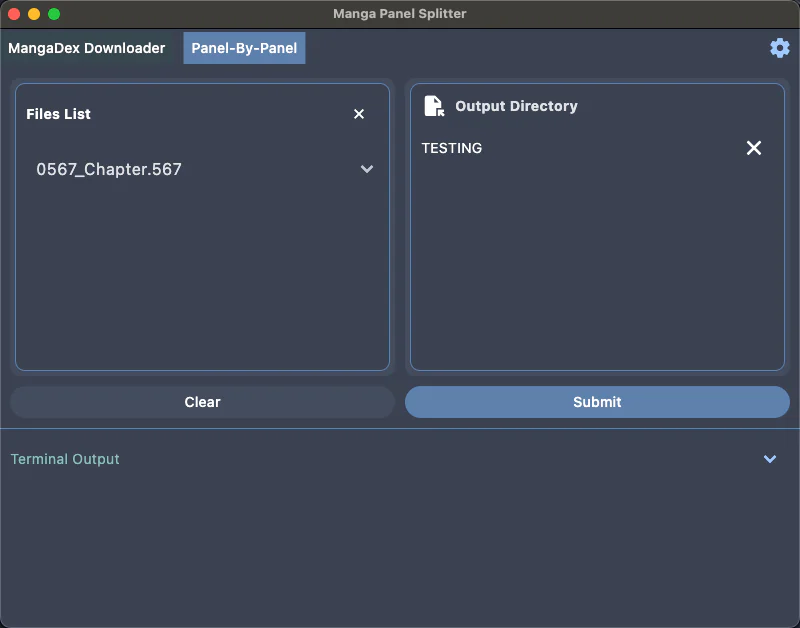
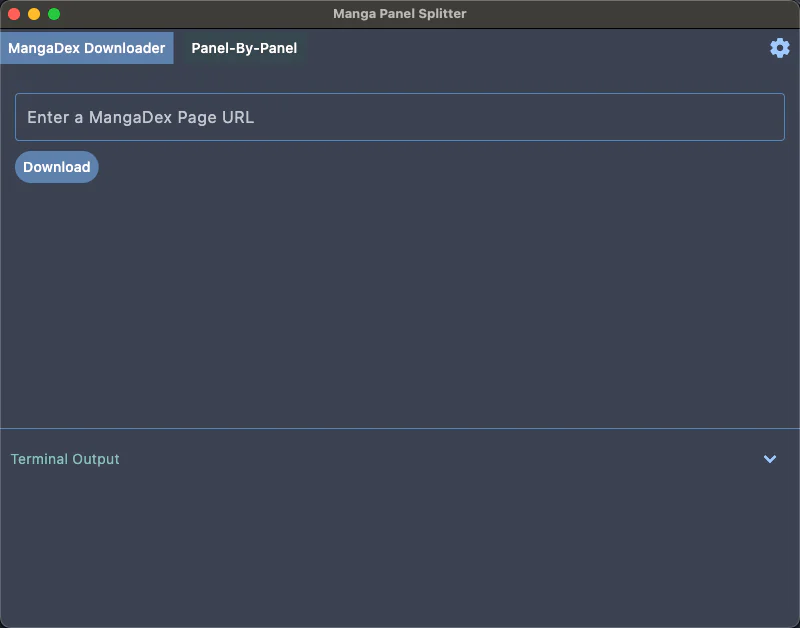
Panelyze is a Python desktop app that turns manga and comic pages into one image per panel. I read a lot of manga, and full pages are hard to read on a phone, so I built the app around Magi, an open-source research model that finds panels on manga pages. It can also download chapters from MangaDex and turn panels into a video.
02. Key features

03. How it's built
Getting GPU speed without an NVIDIA card
- Problem
- The model is built for NVIDIA GPUs (CUDA). It ran on my Mac, but slowly, and my gaming PC's AMD GPU couldn't use CUDA.
- What I did
- Ran the model in a Flask server on Google Colab's GPUs, exposed through ngrok, and sent pages to it from my laptop.
- Result
- On one page, Colab's A100 GPU was about 7x faster than a CPU. On a full chapter, Colab's L4 GPU was no faster than my Mac, so the speed-up depends on the GPU.
A sudden 10x slowdown
- Problem
- Colab went from about 10 to about 100 seconds per page.
- What I did
- Tested until I found that a while True loop I'd added to watch log messages was using up the machine.
- Result
- Removing it brought the speed back.
From coordinates to images
- Problem
- The model returns panel coordinates, not images.
- What I did
- Cropped each panel out of the page with Pillow and saved it as its own image.
- Result
- A page becomes a folder of panel images.
04. My role
I designed the app, chose the model, ran the speed tests and built the interface in Flet. I used ChatGPT for parts of the code, such as the cropping refactor and the MangaDex download wrapper. I didn't train the model; I integrated an existing open-source one.