 Markback
Bookmark moments in YouTube videos and Shorts, add notes, and jump back to them in one click.
JavaScript · HTML · CSS · Chrome Extensions API (Manifest V3)
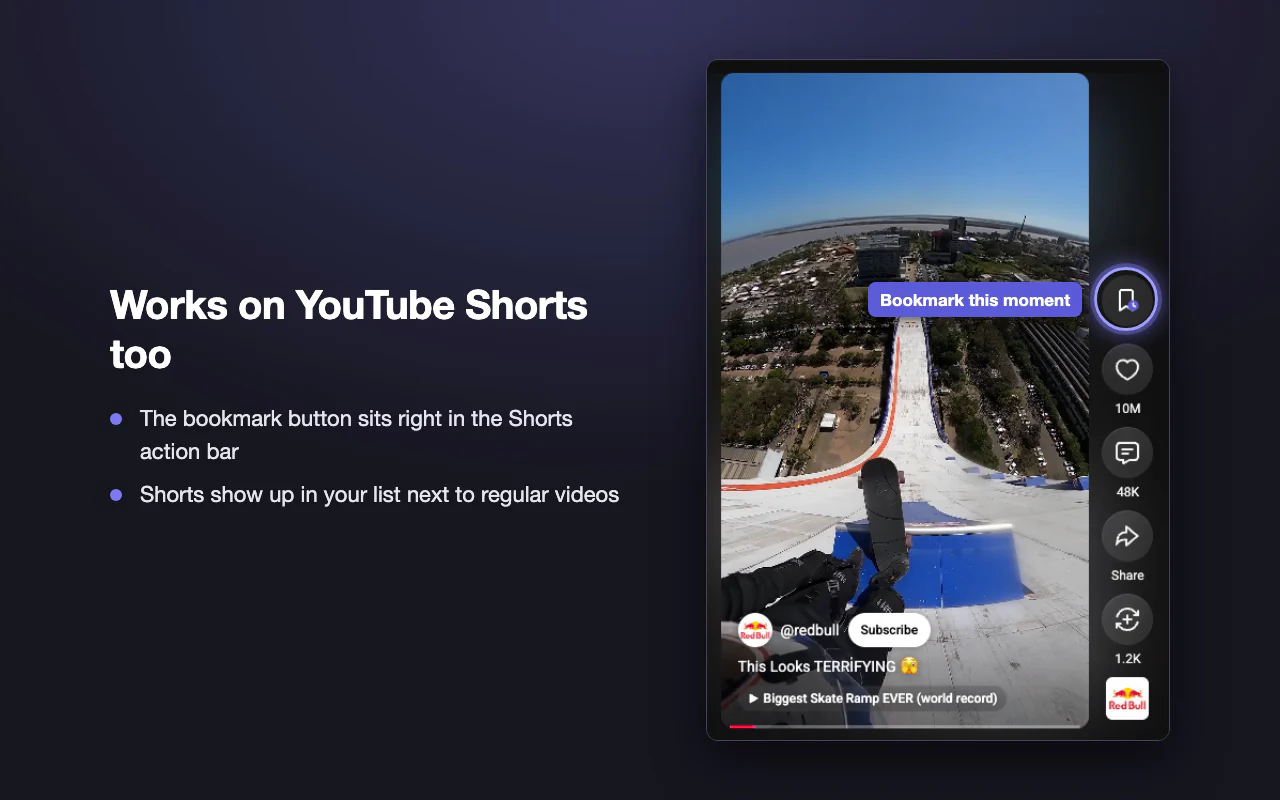
Videos + Shorts
Works on both kinds of YouTube video
0 frames saved
Preview frames are captured live and never written to storage
0 data collected
Bookmarks stay in your own Chrome storage, synced with your Chrome profile
01. Overview
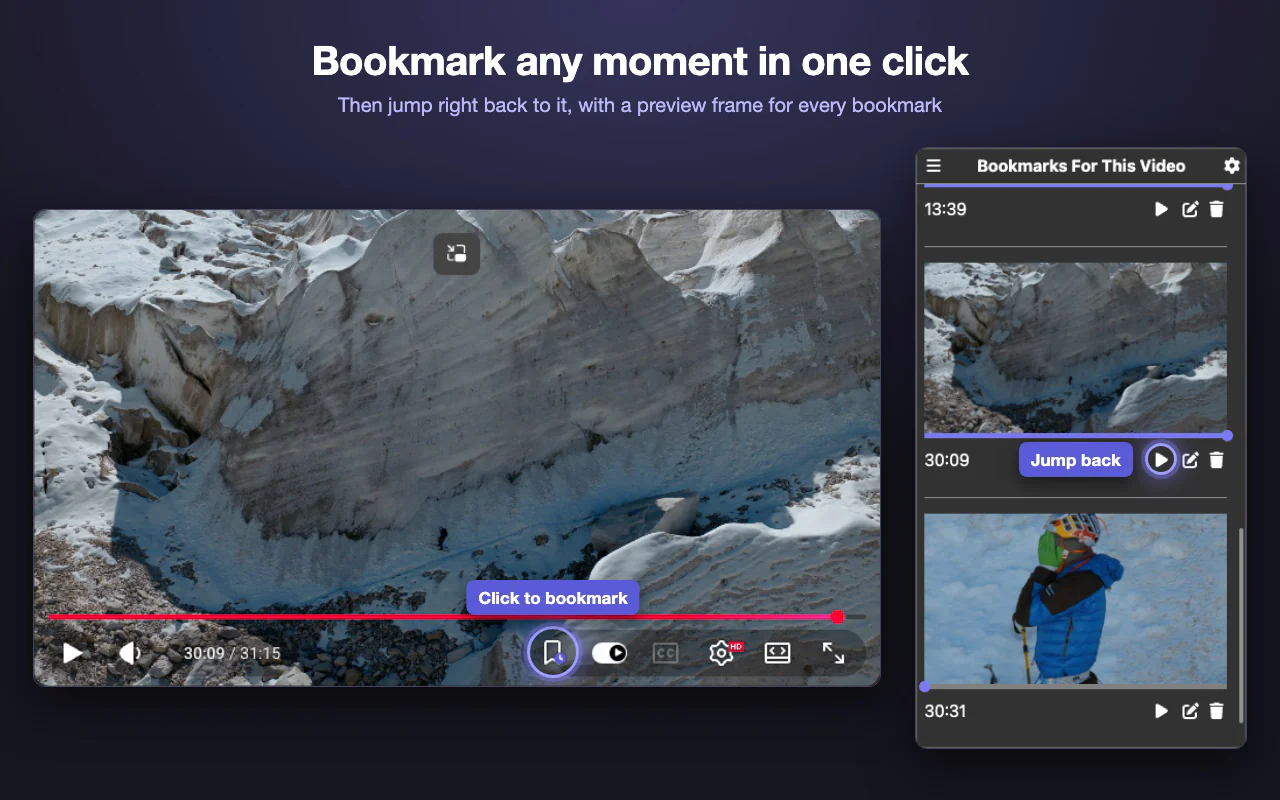
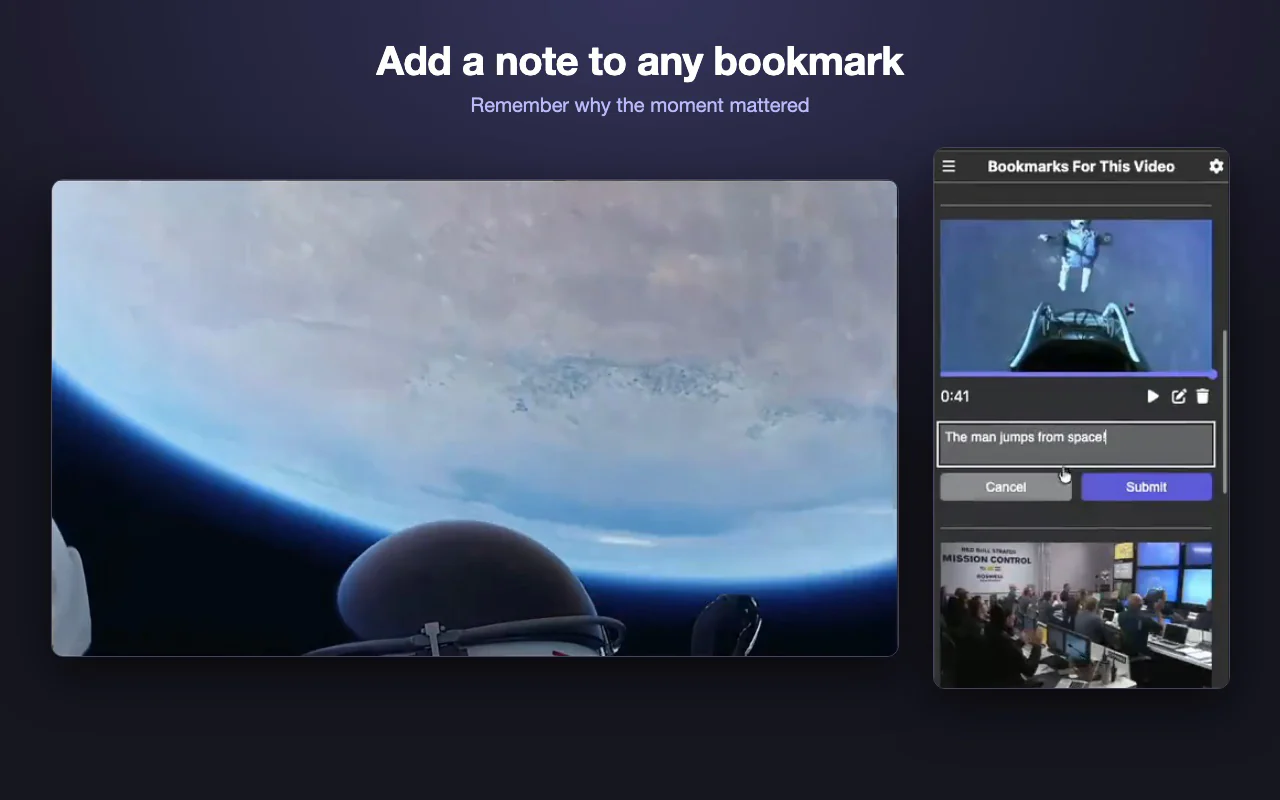
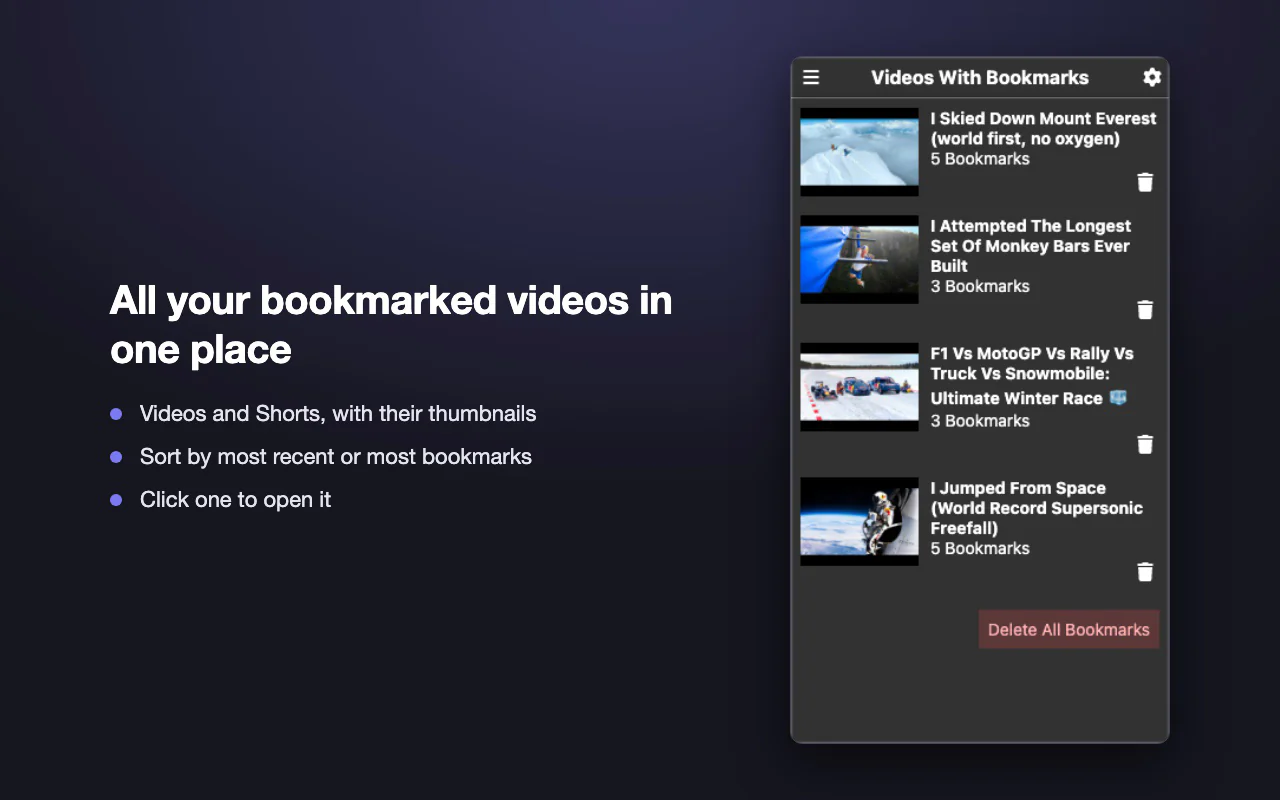
Markback is a Chrome extension for saving moments in YouTube videos and Shorts. One click on a button in the player saves the moment and opens the popup, which shows each bookmark with the actual frame from the video at that time, so you can see what you saved without replaying it, and jump back to it in one click. Bookmarks sync across your computers through your Chrome profile. It's for anyone who watches long videos, like tutorials, lectures or sports, and wants to return to specific moments.
02. Key features
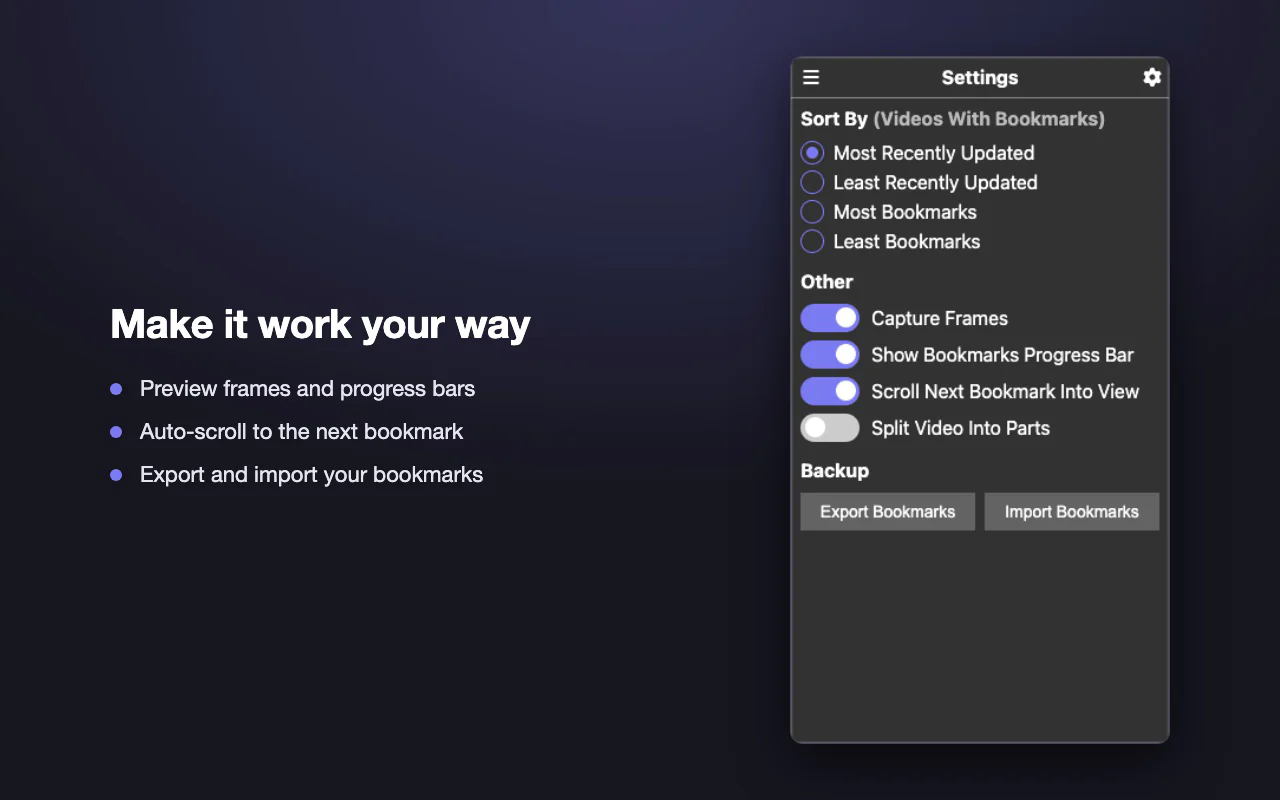
03. How it's built
Capturing frame previews
- Problem
- The frames are shown in the popup, but only the content script on the YouTube page can read the video's pixels.
- What I did
- The popup asks the background service worker, which waits until the content script is ready and asks it for the frames. The content script disables the bookmark button, moves the video to each bookmark, waits for that frame to load, draws it on a canvas, then puts the video back where you were. Frames it already has for that video are reused, and a frame that doesn't load within 5 seconds is skipped. The background keeps the message channel open until the capture finishes.
- Result
- A preview of the real frame for every bookmark, with no images saved.
Deletes that failed
- Problem
- Frame images were accidentally being saved in Chrome's sync storage, which is too small for them, so deleting bookmarks failed.
- What I did
- Kept frame images out of Chrome storage entirely, saving only the bookmark data, and cached the frames in memory instead.
- Result
- Deletes work.
Splitting a video into parts
- Problem
- YouTube's player only knows about the whole video, so there was no way to watch the stretch up to each bookmark as its own part.
- What I did
- On regular videos, each time the video's time updates, the content script repaints YouTube's own progress fill and rewrites its time display to show only the current part, and adds a "Part X/X" label to the player that opens the popup.
- Result
- Optional parts with their own time display and progress fill, without changing the video.
04. My role
I built the extension with Chrome's extension APIs: bookmarking, frame previews, notes, history, sorting, progress bars, settings, split-into-parts, Shorts support, export and import, and keyboard navigation and screen-reader labels. I also tracked down and fixed bugs in saving and deleting bookmarks.